Read what you save.
The iPhone app that turns saved Reels, TikToks and Shorts into recipes, travel guides and notes. Made for people with 400 saved videos and no idea what’s in them.
Works with public Instagram posts, TikTok posts and YouTube Shorts.
Three iPhones showing XOR, between four small panels that follow one Reel: shared and saved, watched, written up as a recipe, and asked a question.
Saves from
- Instagram Reels and posts
- TikTok
- YouTube Shorts
Every Reel, the right note.
A recipe is not a travel plan, and neither is a pep talk. XOR works out what a Reel is, then writes the note that kind deserves.
Recipes
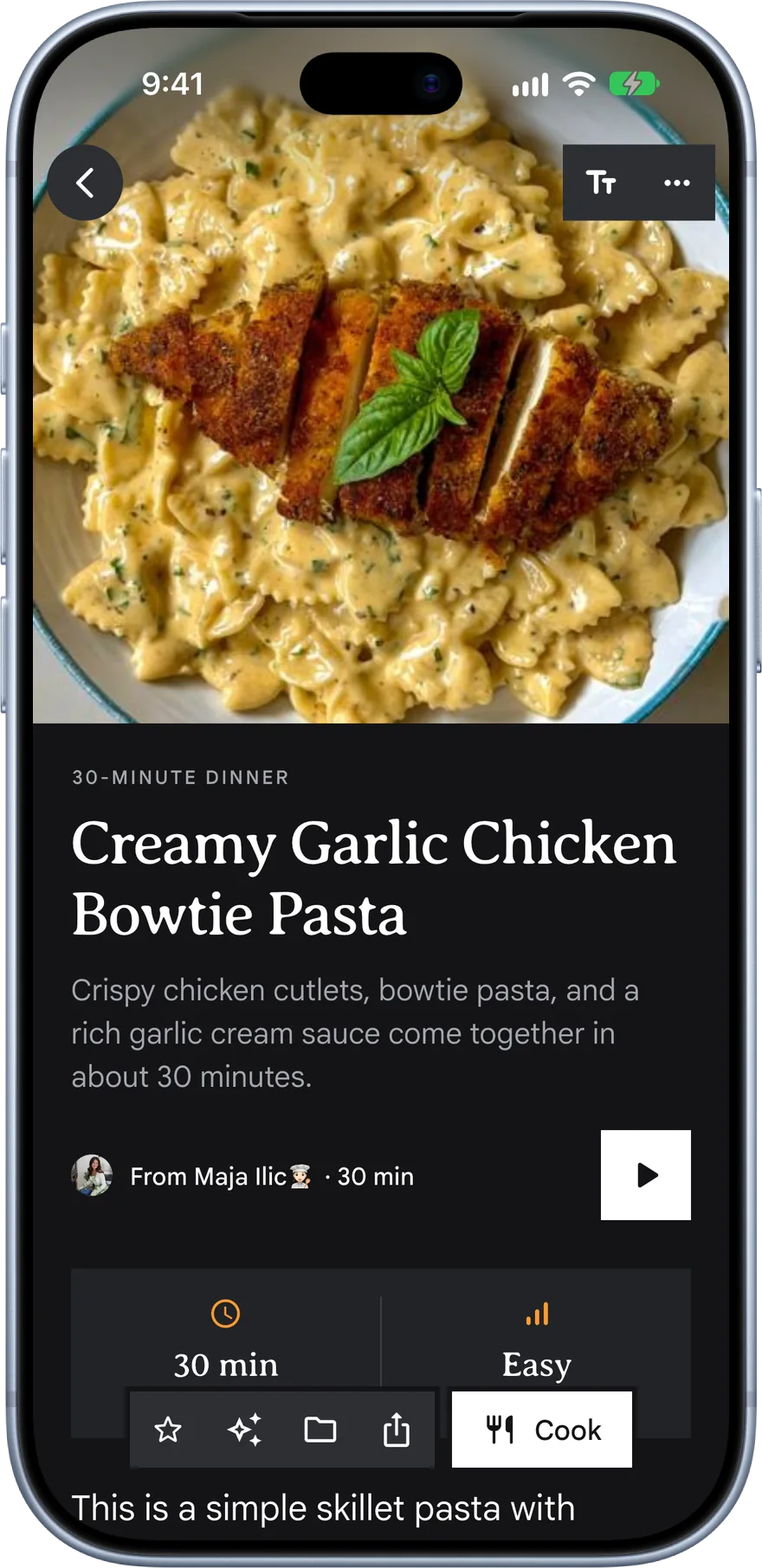
Ingredients with a servings stepper and Metric or US, step cards, and a Cook mode that keeps the screen on while your hands are busy.
Travel guides
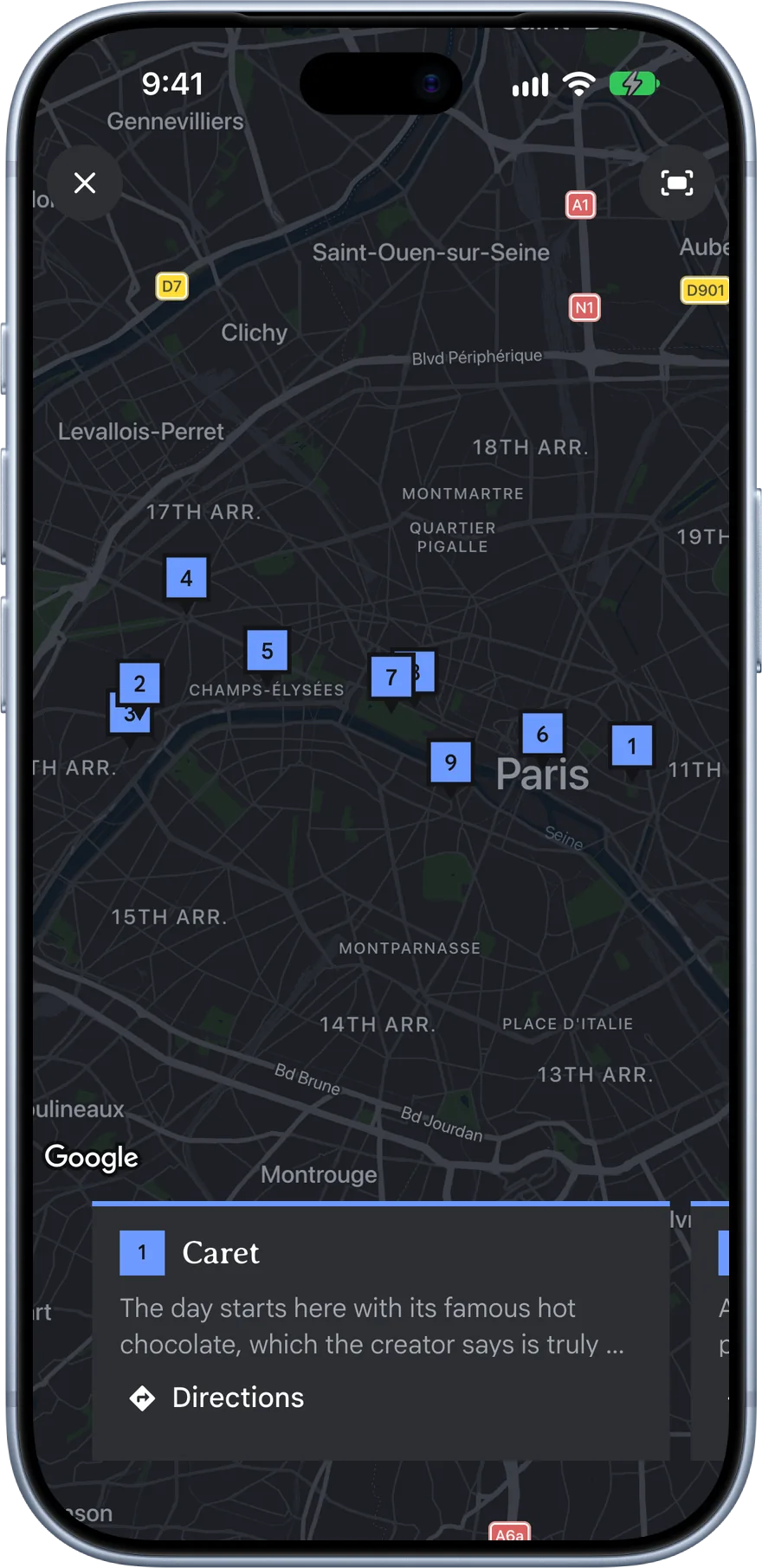
Every place the creator named, pinned on a map inside the note and grouped by day. Directions open in Google Maps.
Articles
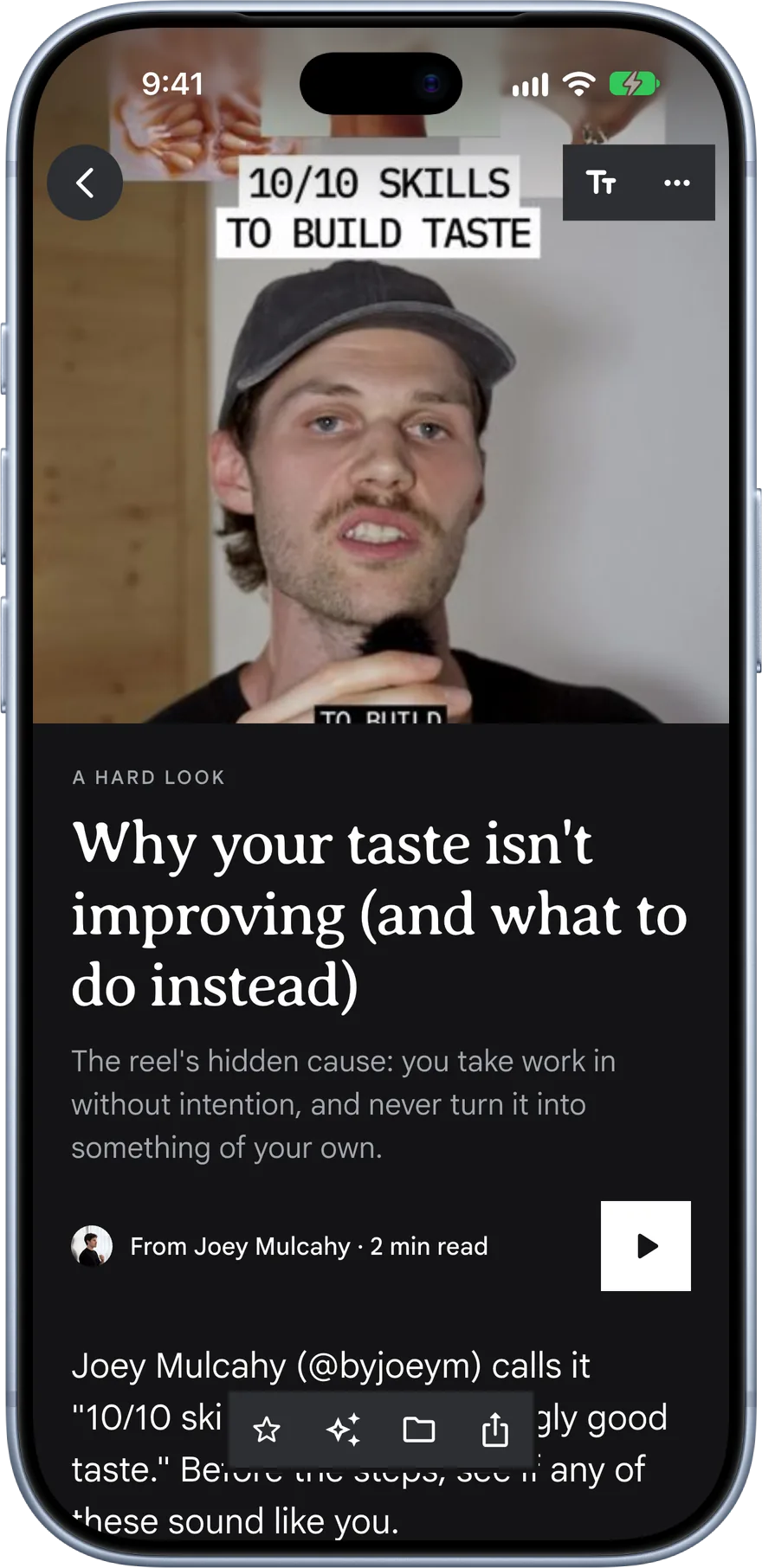
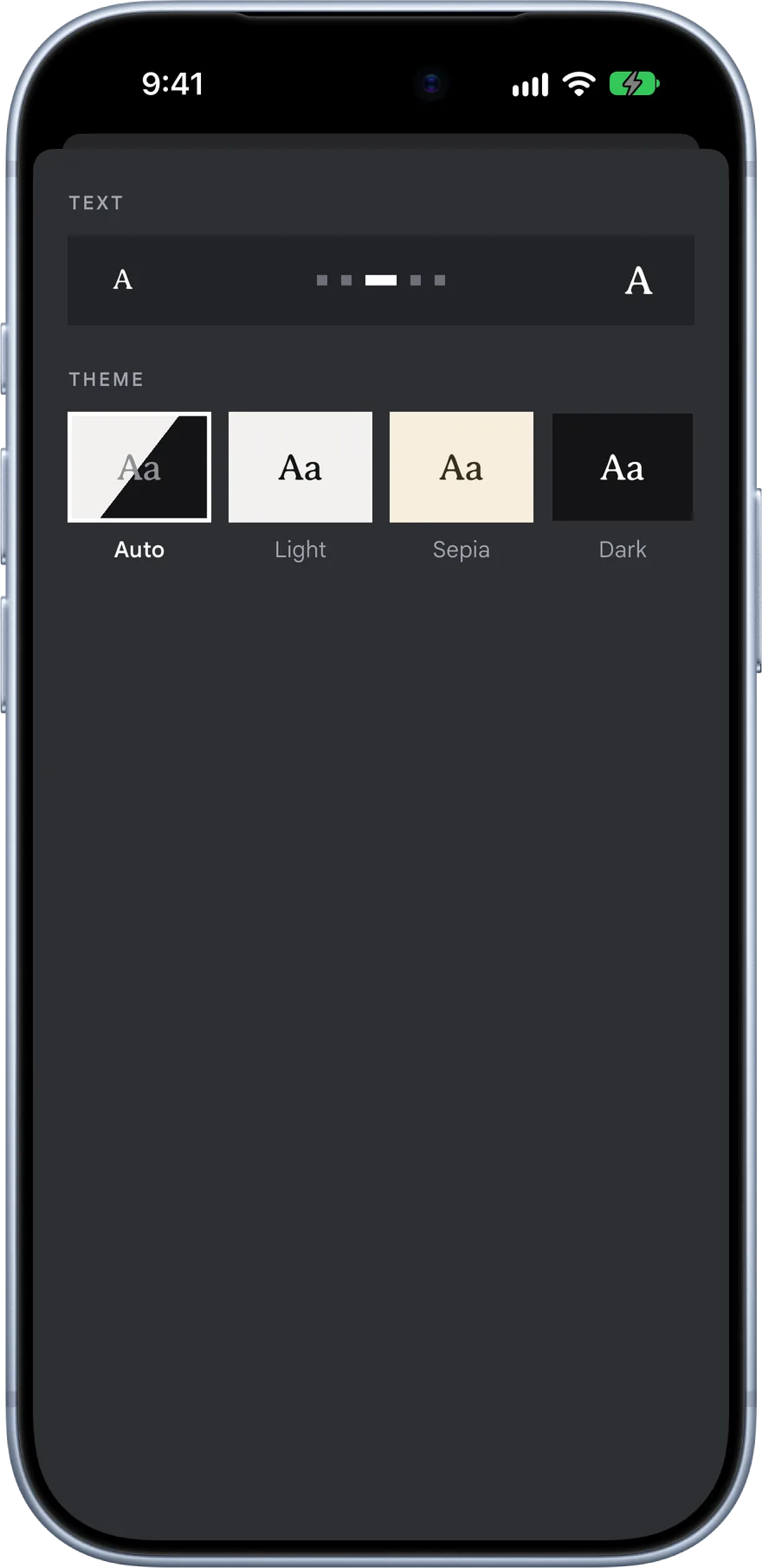
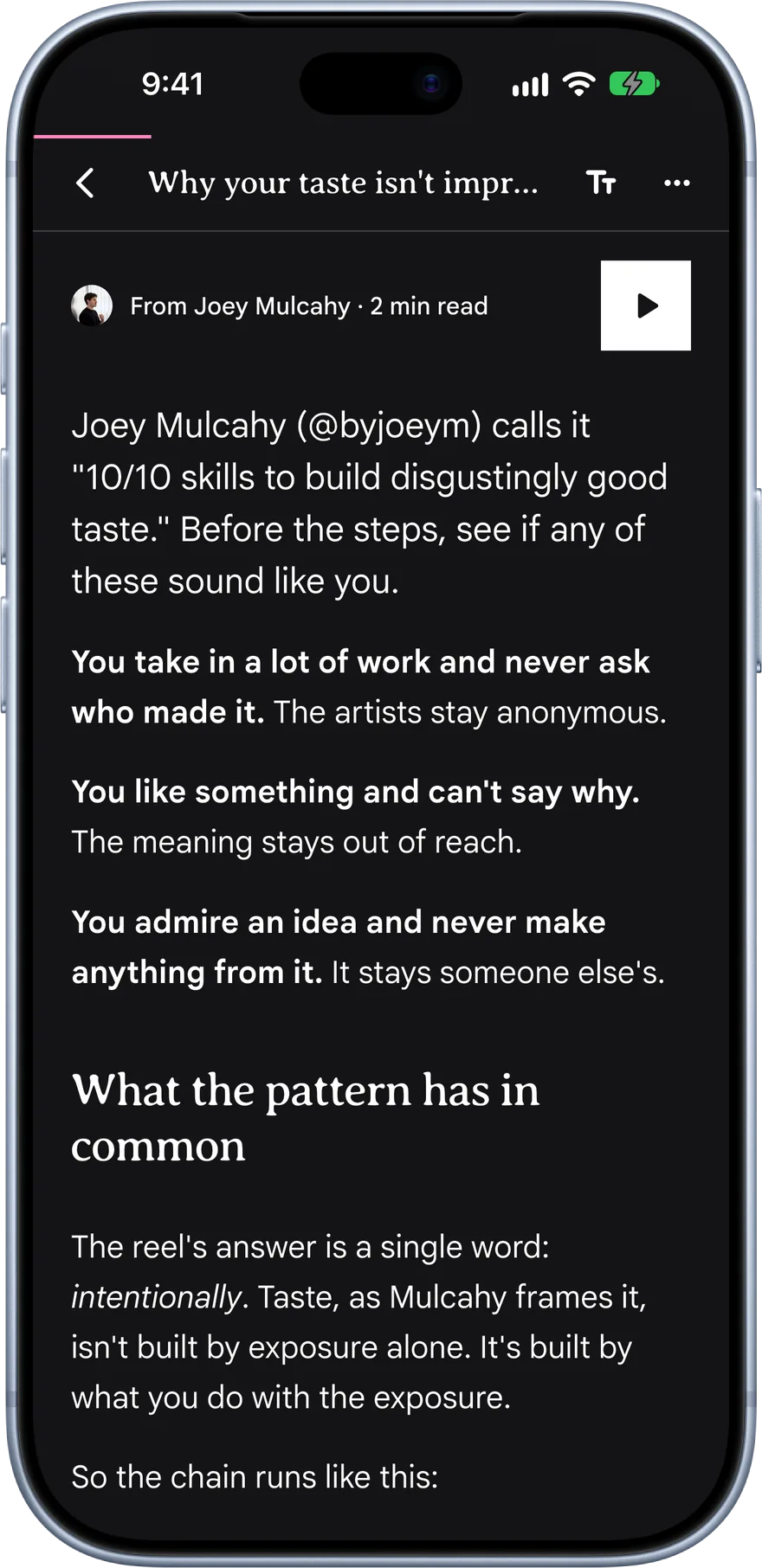
Talky Reels become proper articles with a cover, headings and quotes, in a reader with text sizes and themes.
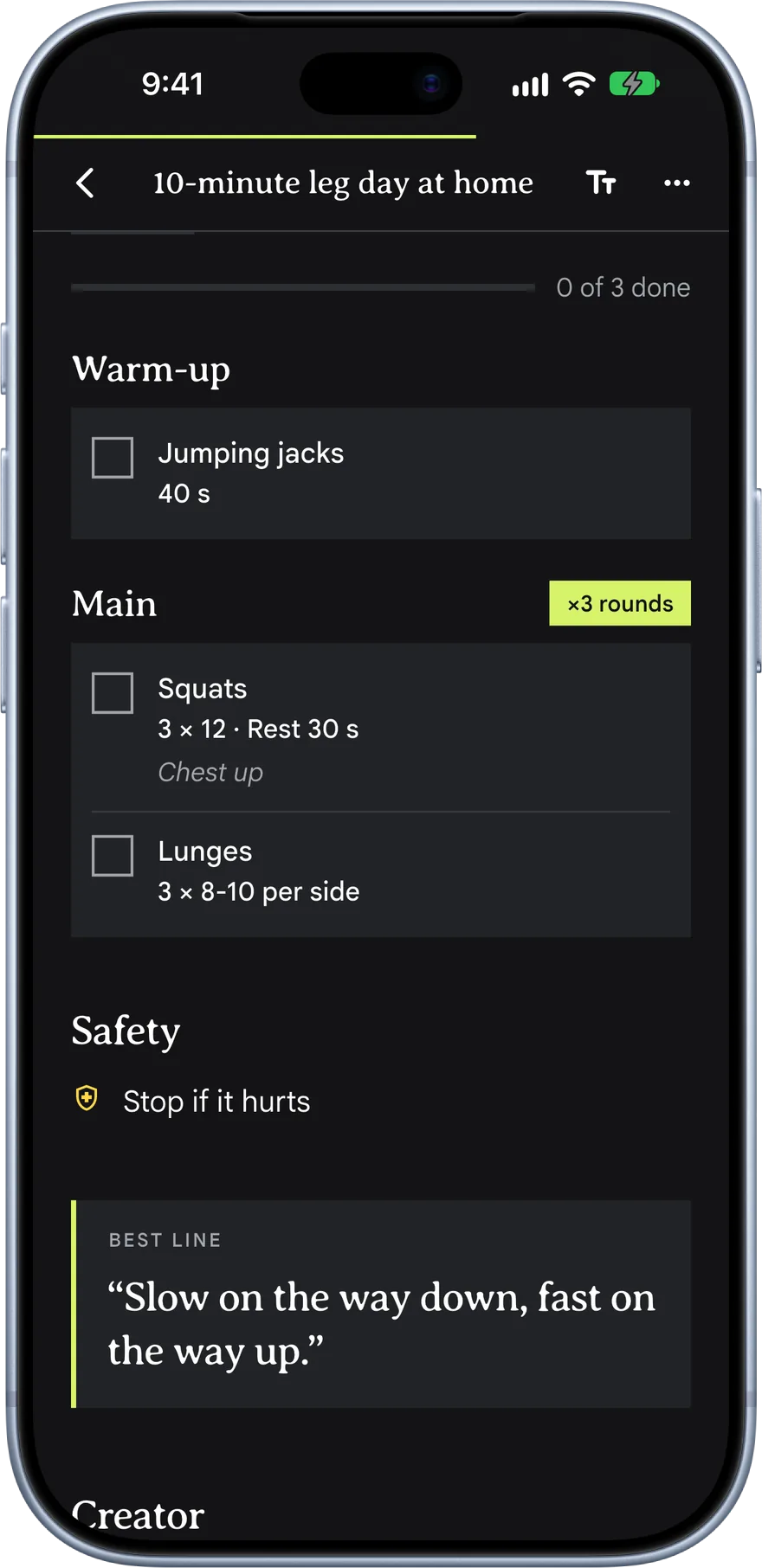
Workouts
Moves, reps and rest as a checklist you tick off at the gym. Stop halfway and it waits for you in Up next.
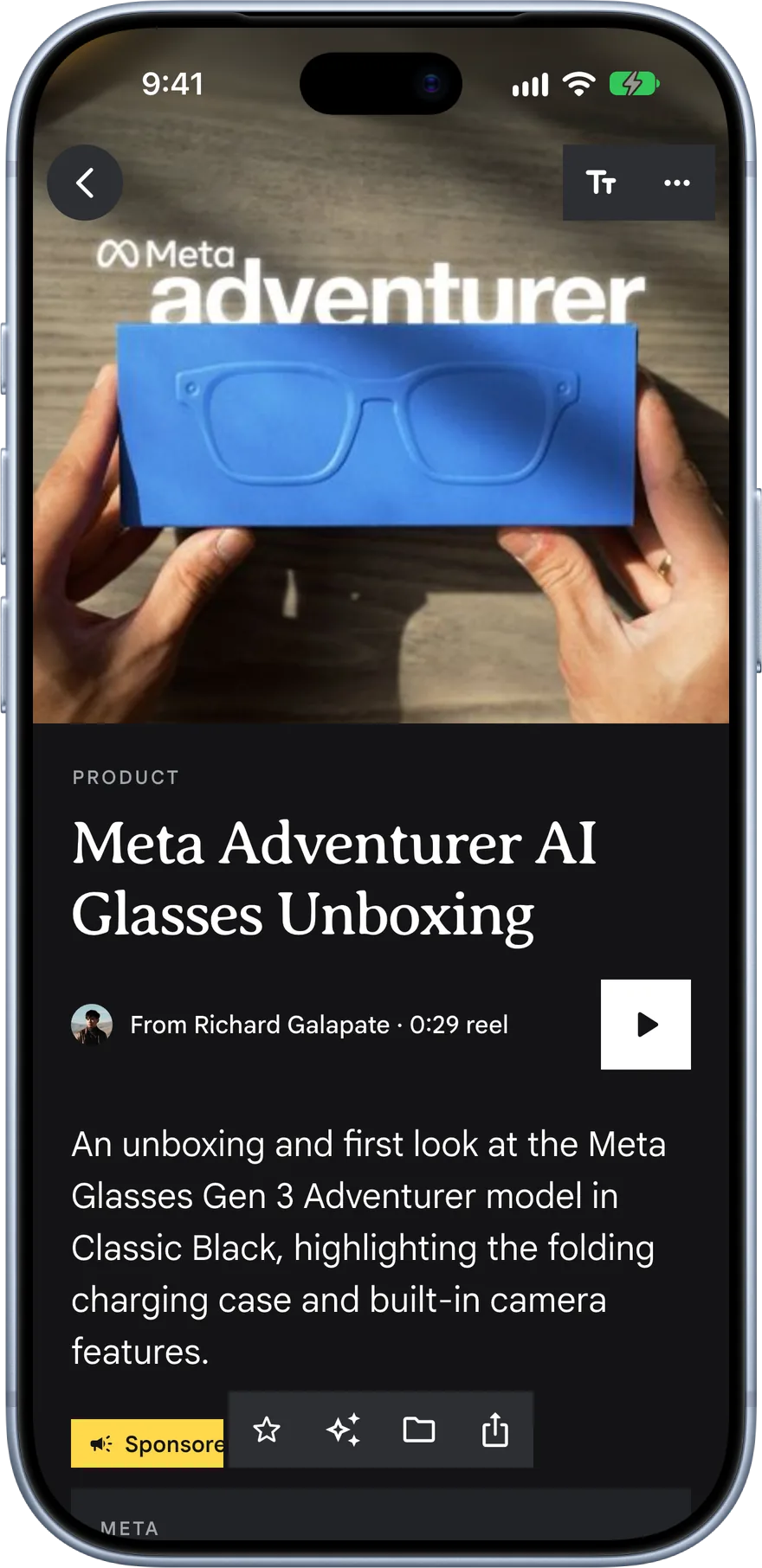
Products
Every product the creator held up, with what they said about it, so you can find it again when you’re ready to buy.
Find it again.
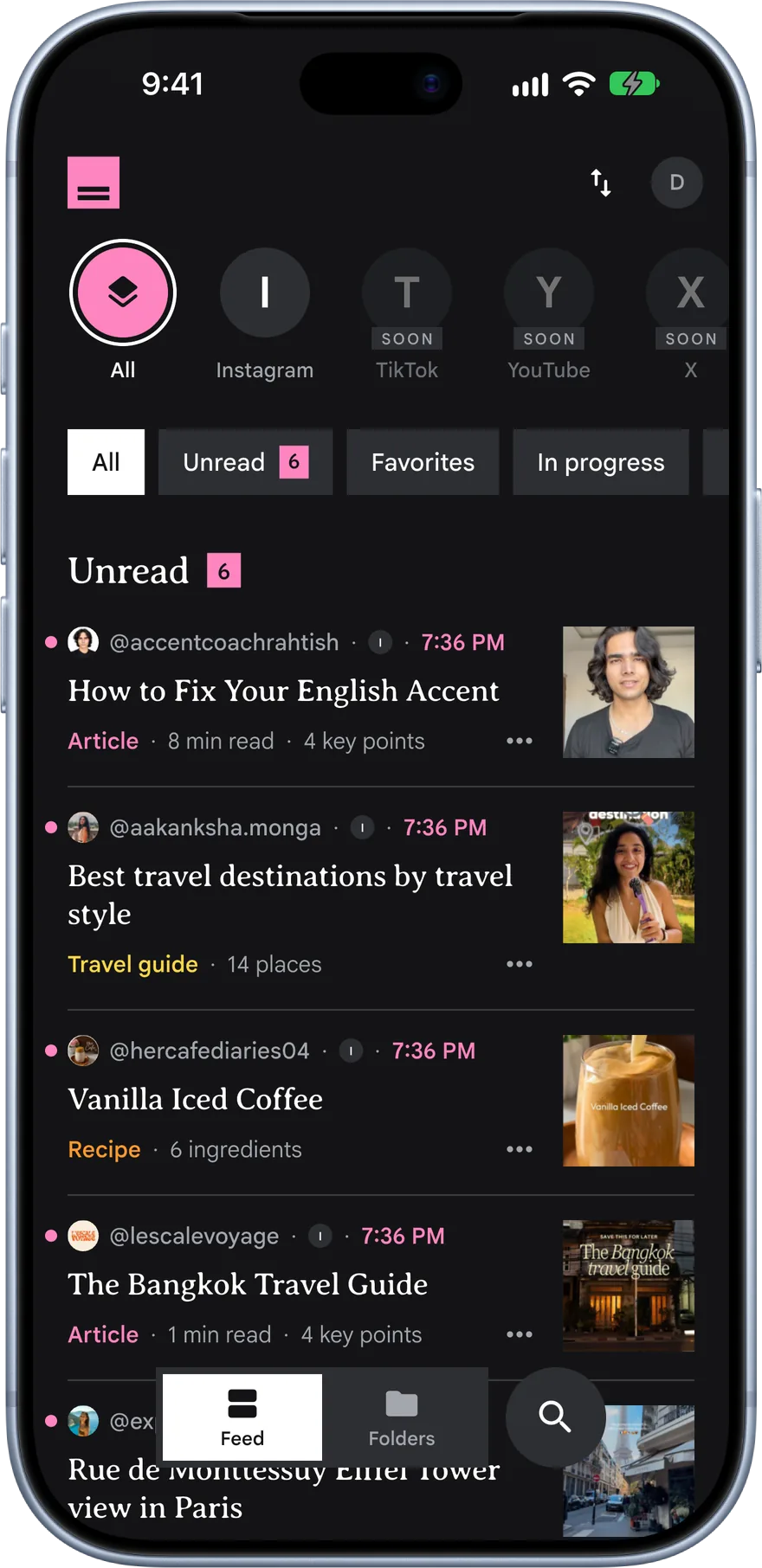
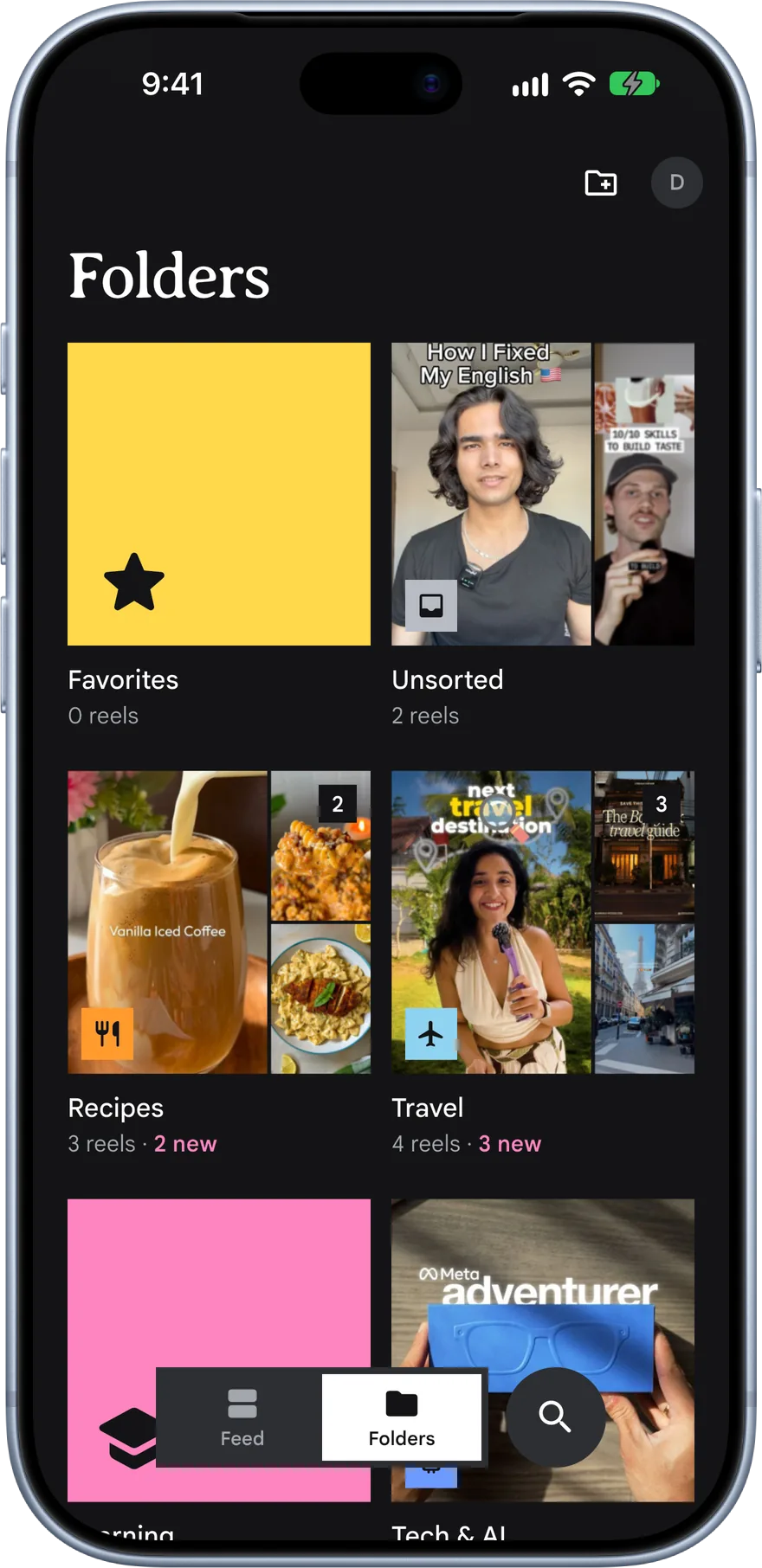
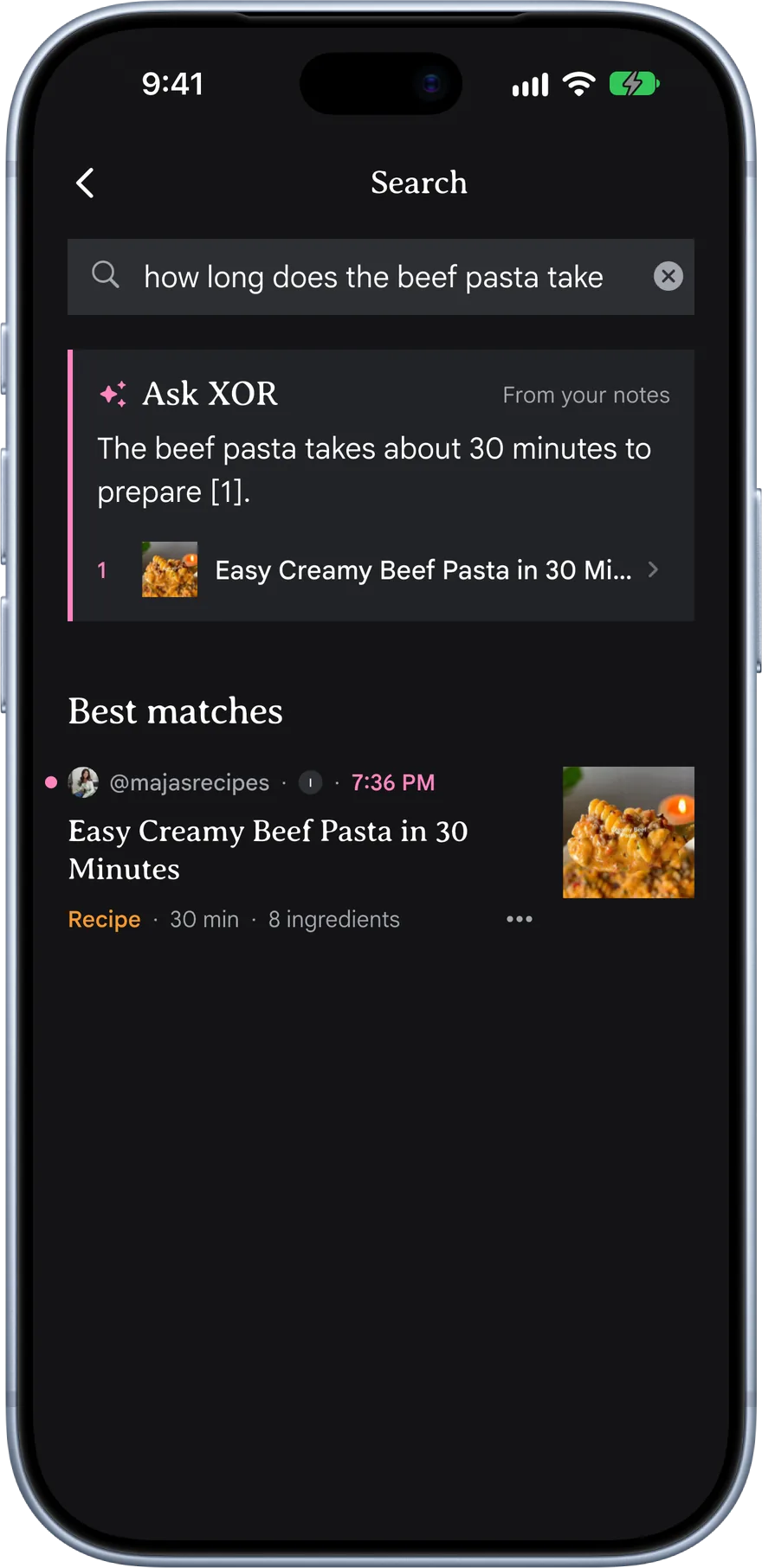
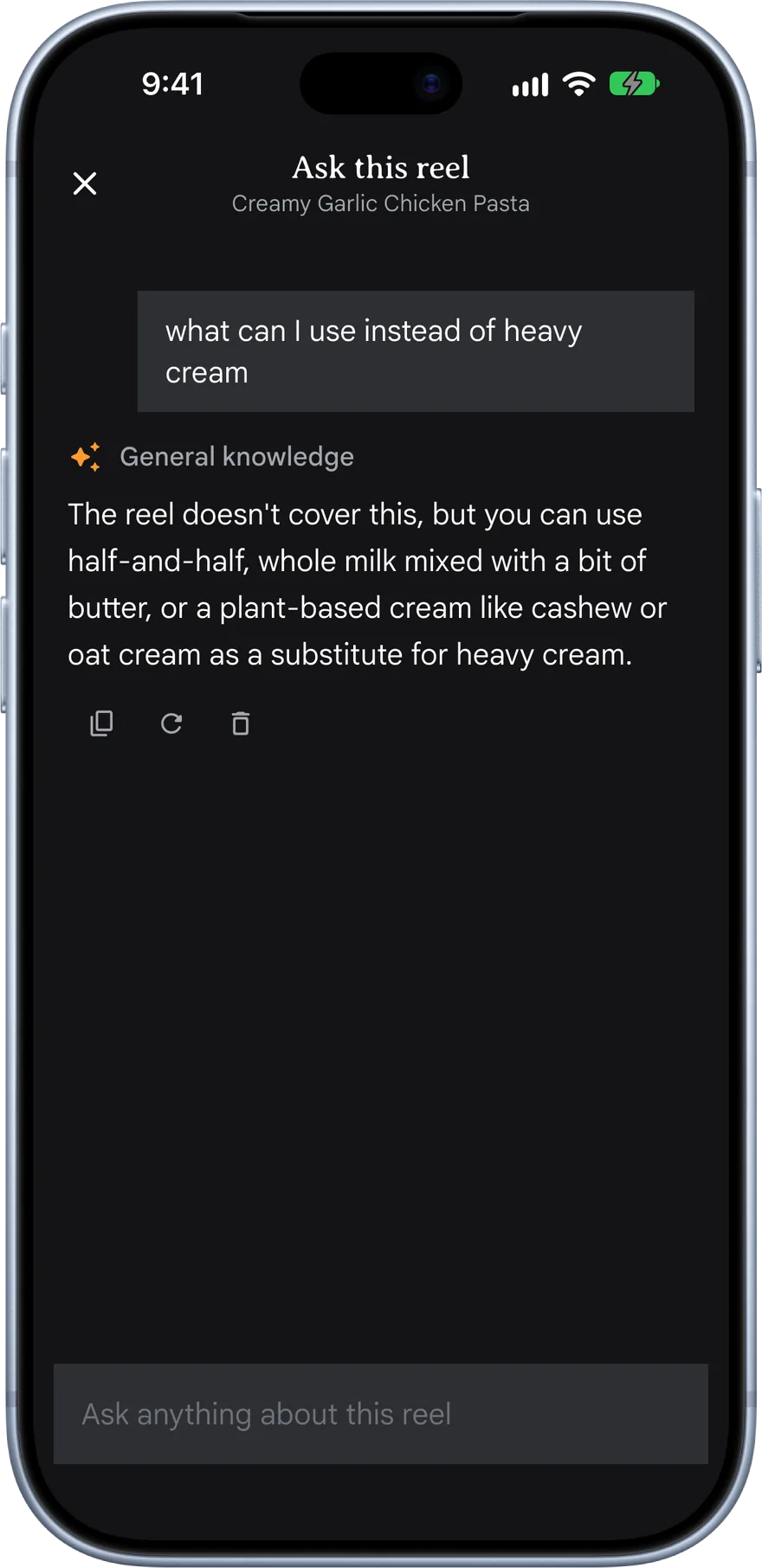
Yeah, your saved folder exists. But a , , and , all looking at the same notes? That’s kind of the point.
Made for reading.
A note nobody reads is just a smaller saved folder. XOR’s reader is built for the two minutes you actually have.
The whole point.
Nothing to copy out.
XOR watches the Reel for you: what’s said, what’s written on screen, and the caption. No pausing, no screenshots.
The note fits the Reel.
A recipe gets ingredients and steps, a trip gets a map, a talk becomes an article you can read in two minutes.
Everything in one place.
Every save lands in your feed and the right folder, searchable by meaning, ready when you need it.
Get started in three taps.
No setup and no new habit. You already share Reels with friends who never watch them. Share them with XOR instead.
Share
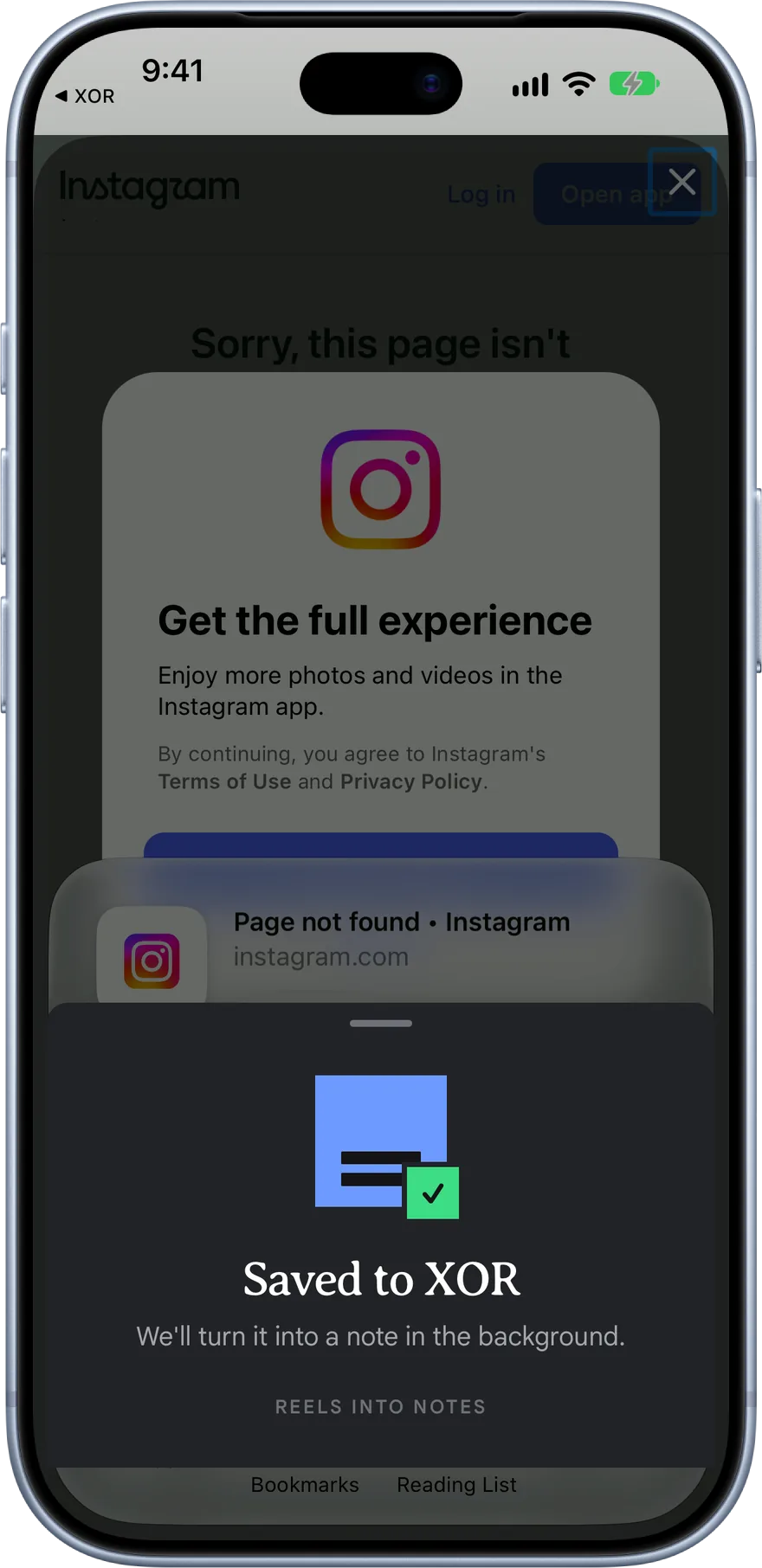
Open a Reel, TikTok or Short, tap Share, and pick XOR. A small Saved card shows for a second and you’re back to scrolling.
Watch
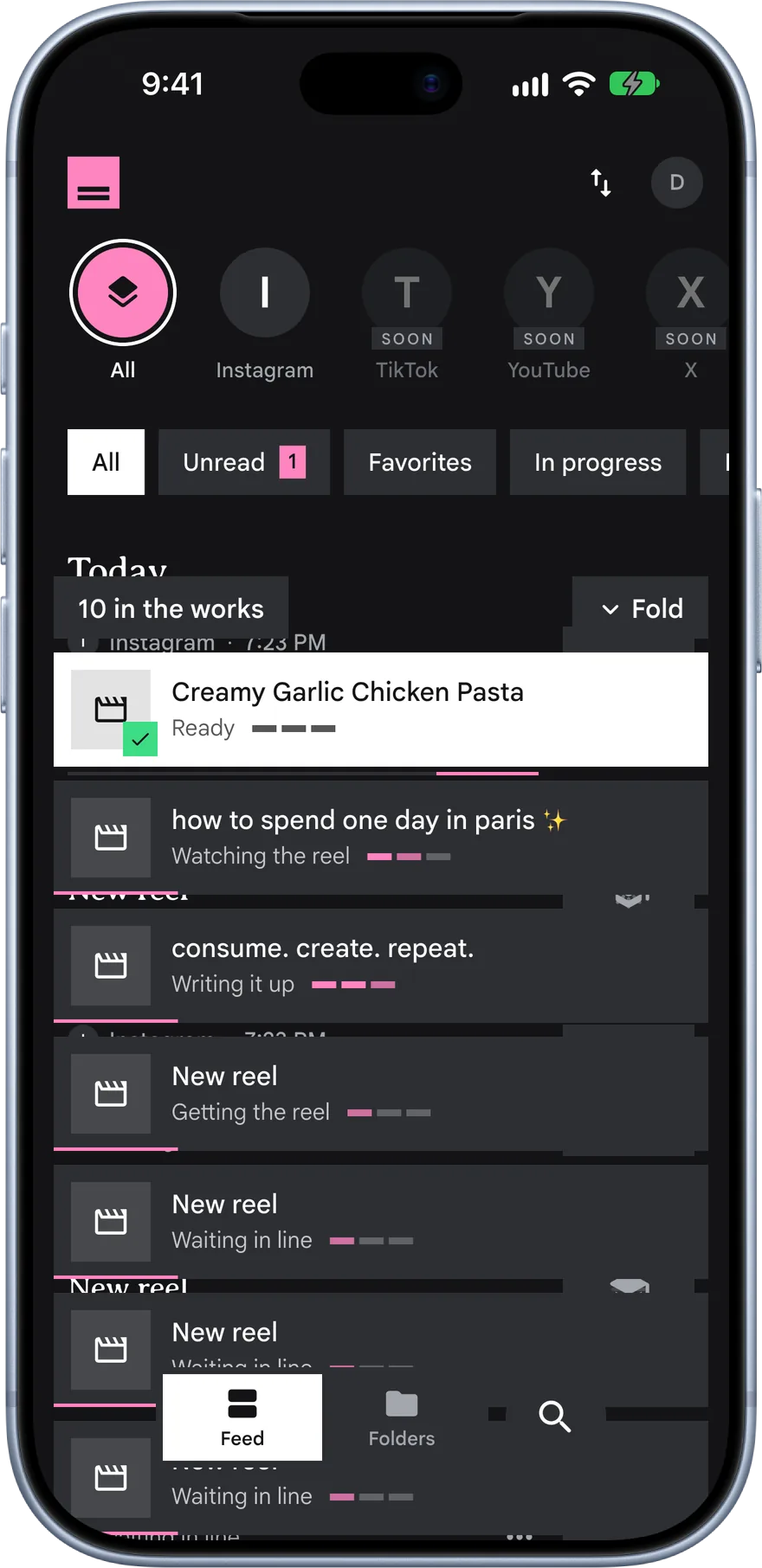
XOR goes through it in the background: what’s said, what’s on screen, and the caption. You keep doing whatever you were doing.
Read
Usually within a minute it’s a note in the kind that fits, filed into a folder and searchable with the rest.
Here’s what XOR does with a Reel: it watches the whole thing reads what’s written on screen and listens to what’s said then writes the note that fits a recipe you can cook from, a trip pinned on a map a talk you can finally read. What you bring is: the Reels you were going to forget.
Questions, answered.
- Which apps does XOR save from?
- Public Instagram Reels and posts, public TikTok posts, and YouTube Shorts.
- How long can a video be?
- Up to ten minutes. Longer ones are turned down with a clear message instead of a half-made note.
- What does XOR actually read?
- What’s said, what’s written on screen, and the caption. Each note says what it was made from.
- Does XOR use AI on what I save?
- Yes. That is how a Reel becomes a note. XOR asks for your permission first, and you can turn it off in Settings at any time. What is sent where
- Is there an Android version?
- iPhone first. XOR is built to run on Android as well, and that version follows the iPhone launch.
- When can I get it?
- XOR is in private beta. Join the waitlist and you’ll be the first to hear when spots open.
- Who makes XOR?
- Siddhartha, on his own, with a lot of care for the small details. See what else he makes
Save the next Reel for real.
Leave your email and we’ll write once, when XOR is ready for you.